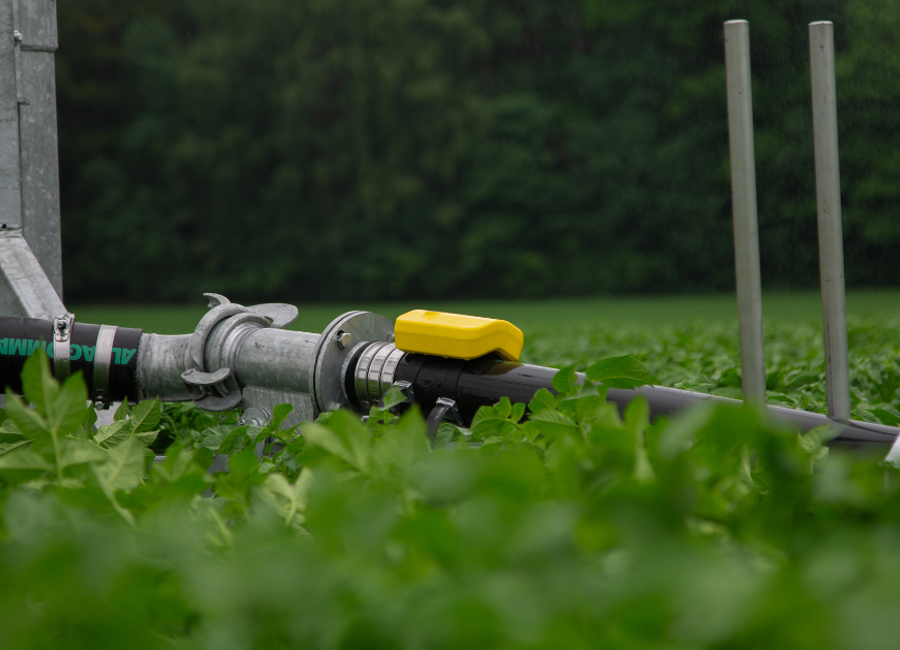
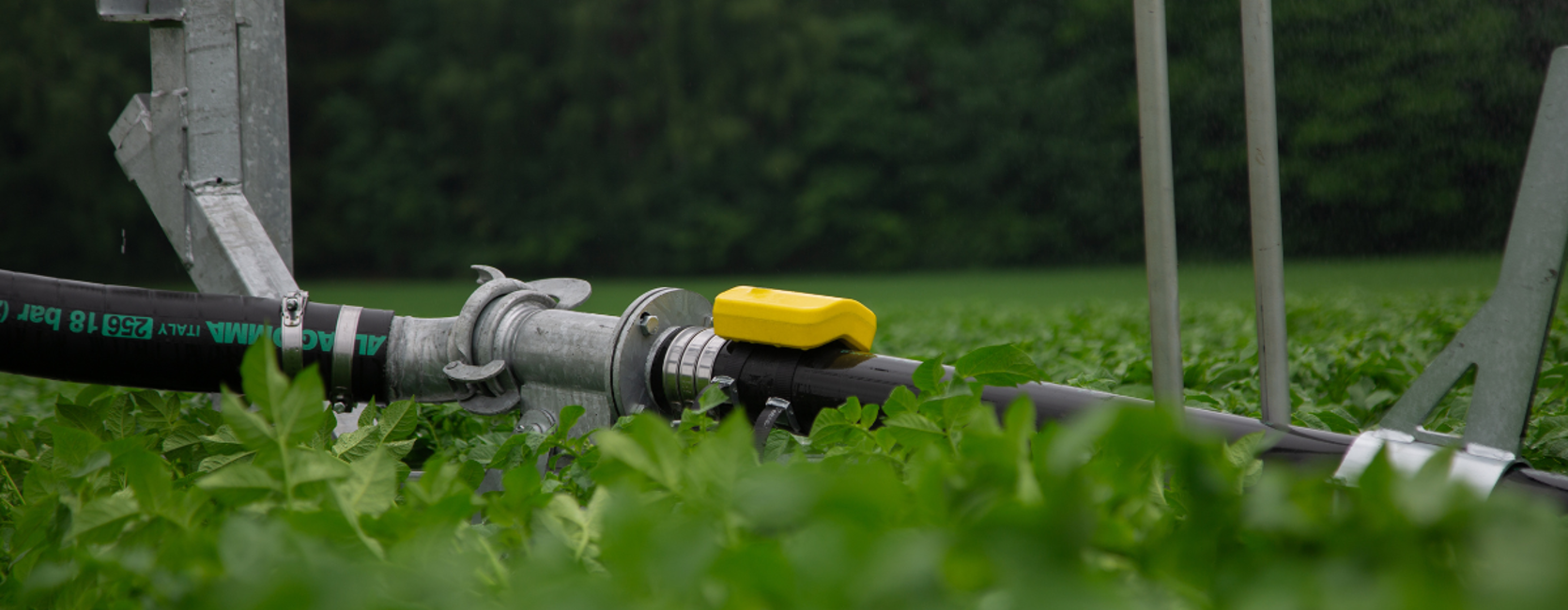
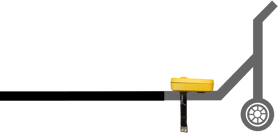
Start by mounting the sensor on top of the irrigation pipe. Make sure both straps are tightly secured underneath.
You will see this symbol in the app/portal: 
1. Position the reel and pull out the sprinkler

Place the reel where you want to start irrigation, and pull the sprinkler all the way out. Then press the button on the sensor (2). You will hear a beep, and the LED will start blinking.
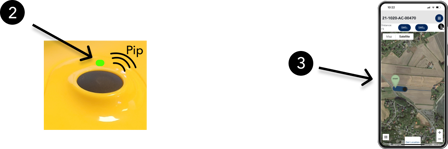
The sensor is now listening for vibrations. You’ll see this symbol in the portal (3):
You now have 45 minutes to start the water before the sensor goes back to sleep mode.
2. Return to the reel and turn on the water
Once the water is running and the sensor detects vibration, you'll see this symbol in the portal/app:
The sensor is now in active irrigation mode, it listens for vibrations every second and reports GPS position every 10 minutes.
3. Set an endpoint (optional)

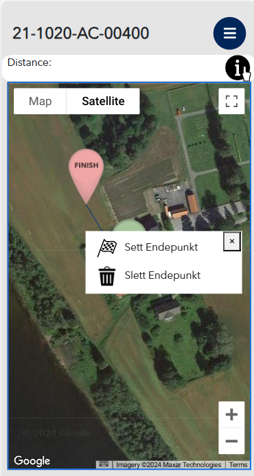
Stand next to the reel and tap Set endpoint in the portal. The map will open.
Tap Get location at the bottom of the map – or simply tap on the map where the reel is located.
4. Monitor from your phone
While irrigating, you can easily follow the progress in the portal. You’ll see speed, estimated arrival time, and more.
Even if you’re not actively monitoring, you’ll still receive push notifications if something goes wrong.
5. Irrigation complete
When the reel reaches the endpoint and the water flow stops, the system will recognize that irrigation is finished. The event will then be saved in the Irrigation log.